AI Coding Assistant Cost at Enterprise Scale: Per Seat, Per Token, or Per Server?
How per-seat and usage-based AI coding tools are priced at enterprise headcount, a table of published list prices with sources checked 2026-09-18, an illustrative 30-developer scenario, and when a perpetual per-server licence with unlimited developers on it, within its capacity, fits better.
This guide is written for the person who owns the budget line, not the person who chooses the editor. It does not say which is cheaper — that depends on your headcount, hardware and usage — and every price was read on the official pricing page on 2026-09-18.
How are AI coding assistants priced today?
Every major enterprise plan we checked is priced per user, and each pairs the seat with an allowance or a meter of some form. None of the vendors below publishes a per-server or unlimited-developer plan. That is the shape of the market, and it serves a great many teams well.
GitHub moved Copilot to usage-based billing on 2026-06-01: each Business or Enterprise seat includes a monthly pool of AI credits, consumed at published model rates, and plan prices did not change (checked 2026-09-18). Cursor prices Teams per user with included usage per seat and on-demand usage beyond it (checked 2026-09-18).
Anthropic prices Claude Team per seat with Claude Code included, and publishes Enterprise as a seat price plus usage at API rates. Tabnine prices its platform per user on an annual subscription, with model tokens metered separately when Tabnine supplies the LLM (both checked 2026-09-18).
What drives the bill at enterprise headcount?
Four things, and each is documented by the vendors themselves.
Seats. The count tracks hiring and churn. GitHub’s own billing page shows the asymmetry: adding Copilot licences mid-cycle grows the organisation’s credit pool immediately, while removing them does not shrink it until the next billing cycle (GitHub Docs, checked 2026-09-18).
Allowances that reset. GitHub’s included AI credits do not carry over between months. Cursor’s included usage is allocated per user, does not transfer between team members, and resets each billing cycle (Cursor Docs, checked 2026-09-18).
Usage past the allowance. GitHub enables additional usage by default for organisations and enterprises unless an administrator disables it. Cursor enables on-demand usage by default on Teams and bills it in arrears at public list API prices; Cursor documents a Token Rate of $0.25 per million tokens for third-party models, but billing details and controls vary by plan and configuration — check the current terms. Anthropic bills extra Team and Enterprise usage at standard API rates once an organisation owner enables it (all checked 2026-09-18).
Renewal. Seat count, allowance and price list are all revisited at term end. All three vendors publish spend controls — GitHub budgets set in USD, Cursor monthly team-wide limits, Anthropic organisation spend limits — so each item is a legitimate control. Together they are a forecasting job that grows with the organisation.
Published list prices, checked 2026-09-18
Every figure below is a published list price, read on the vendor’s official page on 2026-09-18; prices change, so follow the source before you budget. Tiers marked “not published” are sold by quote.
| Plan | Published list price | Usage beyond the seat | Source |
|---|---|---|---|
| GitHub Copilot Business | $19 per granted seat / month; 1,900 AI credits per user / month included | Additional usage at published token rates (1 credit = $0.01); enabled by default for organisations unless disabled | GitHub Docs checked 2026-09-18 |
| GitHub Copilot Enterprise | $39 per granted seat / month; 3,900 AI credits; requires GitHub Enterprise Cloud, licensed separately | Same as Business | GitHub Docs checked 2026-09-18 |
| Cursor Teams — Standard seat | $40 per user / month; $32 per user / month billed annually | On-demand usage enabled by default, billed in arrears; third-party models at public list API prices plus Cursor’s documented Token Rate — details vary by plan and configuration | cursor.com/pricing · Cursor blog, June 2026 checked 2026-09-18 |
| Cursor Teams — Premium seat | $120 per user / month; $96 per user / month billed annually | Same as Standard | cursor.com/pricing checked 2026-09-18 |
| Cursor Enterprise | Not published — by quote | Pooled usage shared across the team | cursor.com/pricing checked 2026-09-18 |
| Claude Team — Standard seat (Claude Code included) | $20 per seat / month billed annually; $25 monthly; plan sold for 2–150 seats | Extra usage at standard API rates once enabled by an organisation owner | claude.com/pricing · Anthropic support checked 2026-09-18 |
| Claude Team — Premium seat | $100 per seat / month billed annually; $125 monthly; plan sold for 2–150 seats | Same as Standard | claude.com/pricing checked 2026-09-18 |
| Claude Enterprise | $20 per seat / month billed annually plus usage at API rates | Usage cost scales with model and task | claude.com/pricing checked 2026-09-18 |
| Tabnine Code Assistant | $39 per user / month, annual subscription | Tabnine-provided LLM access at provider prices + 5% handling fee; unlimited when using your own LLM | tabnine.com/pricing checked 2026-09-18 |
| Tabnine Agentic Platform | $59 per user / month, annual subscription | Same as Code Assistant | tabnine.com/pricing checked 2026-09-18 |
| Tabnine Enterprise | Not published — by quote | — | tabnine.com/pricing checked 2026-09-18 |
| NeueCode 7 | One perpetual licence per active server — list price shared on request; unlimited developers on it, within the server’s sized capacity; annual software assurance from year two | No per-token licence fees from NeueCode; you supply and run the GPU hardware, and optional third-party model providers bill separately | NeueCode pricing model · price sheet |
The table is a like-for-like reading of published terms, not a ranking. Which shape fits depends on headcount, hardware and where the code must stay.
Illustrative scenario: 30 developers
Take a team of 30 developers and multiply each published seat price by 30 seats and 12 months. The figures are seats only and illustrative: they exclude usage beyond the included allowance, GitHub Enterprise Cloud, hardware, deployment services and any discount a vendor may offer.
| Plan | Basis | 30 developers, seats only, per year (illustrative) |
|---|---|---|
| GitHub Copilot Business | 30 × $19 × 12 | $6,840 |
| GitHub Copilot Enterprise | 30 × $39 × 12 | $14,040 — GitHub Enterprise Cloud not included |
| Cursor Teams — Standard seat, billed annually | 30 × $32 × 12 | $11,520 |
| Cursor Teams — Standard seat, billed monthly | 30 × $40 × 12 | $14,400 |
| Cursor Teams — Premium seat, billed annually | 30 × $96 × 12 | $34,560 |
| Claude Team — Standard seat, billed annually | 30 × $20 × 12 | $7,200 — 30 seats is within the plan’s 2–150 range |
| Claude Team — Premium seat, billed annually | 30 × $100 × 12 | $36,000 |
| Claude Enterprise | 30 × $20 × 12 | $7,200 + usage at API rates |
| Tabnine Code Assistant | 30 × $39 × 12 | $14,040 |
| Tabnine Agentic Platform | 30 × $59 × 12 | $21,240 |
| NeueCode 7 | One perpetual licence per active server, bought once; assurance included in year one, annual from year two | list price shared on request — how many active servers 30 developers need is set by their concurrent workload in a sizing conversation, not by headcount |
Read the last row carefully. NeueCode’s figure is not a per-year seat total but a one-time licence per server plus assurance from year two, and it excludes the GPU hardware you buy and run; the per-seat figures exclude usage past the allowance. The two shapes do not sit on one line, which is why we publish no savings figure — the pricing model page states the model plainly: one fixed price per active server.
Why the token line is the hard one to forecast
Seats are countable; tokens are not, until the month is over. BCG’s 2025 analysis of B2B software pricing describes pure usage-based pricing as offering customers maximum flexibility while being the least predictable, and cites an Andreessen Horowitz survey in which 36% of respondents considering outcome-based pricing worried about cost predictability (BCG, 2025-08-13; checked 2026-09-18).
Vendors know this, which is why each vendor above publishes spend controls. When inference runs on a vendor’s cloud, the vendor meters it and publishes the rate; Tabnine’s price list makes the same point from the other side — provider prices plus a 5% handling fee when Tabnine supplies the LLM, unlimited when the customer runs its own (tabnine.com/pricing, checked 2026-09-18).
When the model runs on hardware you own, the per-token line is replaced by a hardware line: GPU servers you buy, power and operate, budgeted rather than metered. It is a different line, not a missing one.
What a per-server licence changes — and what it does not
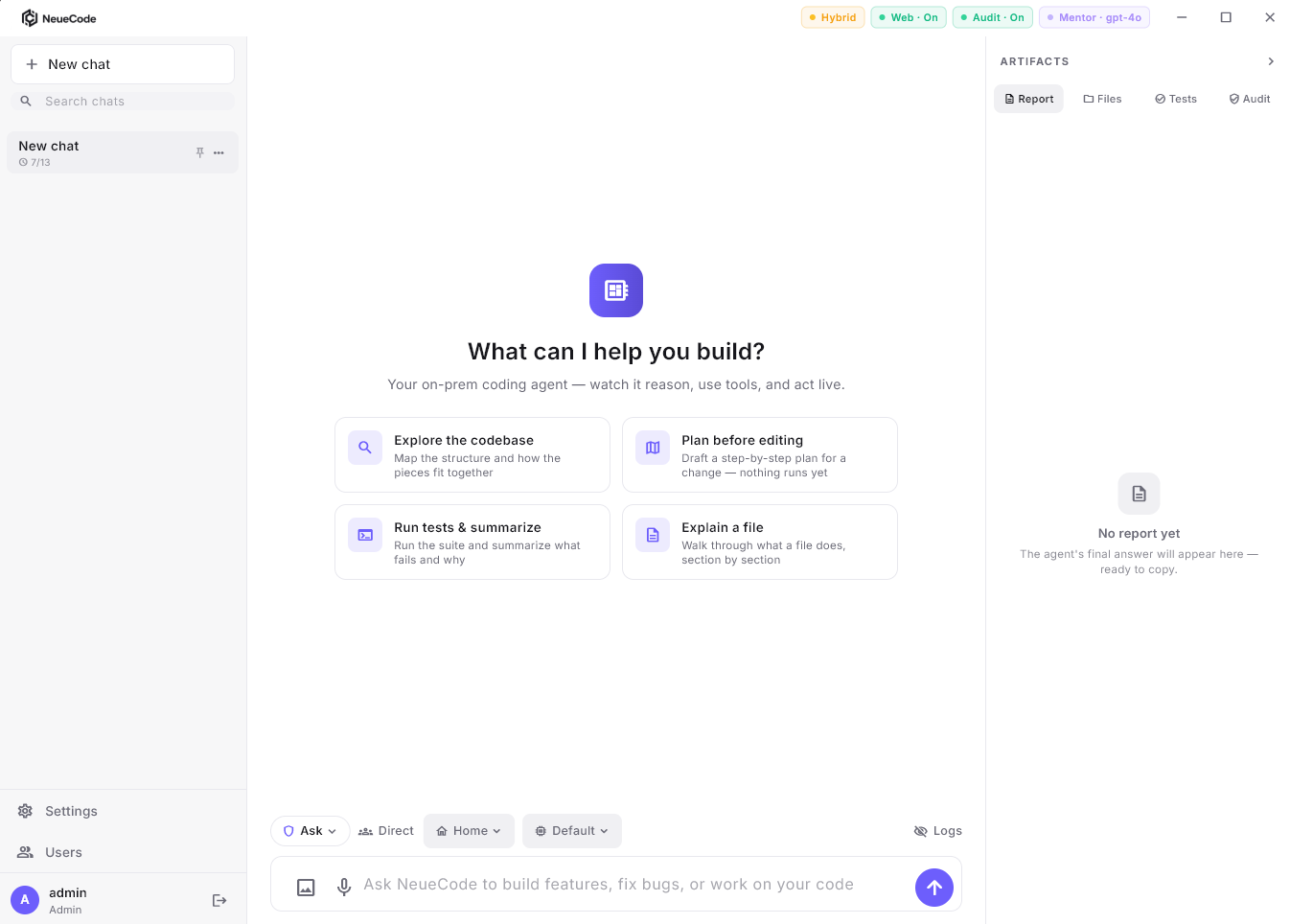
NeueCode 7 — Govern AI Autonomous Enterprise System — is one perpetual licence per active server, unlimited developers on it within the server’s sized capacity, and no per-token licence fees from NeueCode. The licence price is set only by the number and role of licensed servers — never by a server's size: each active physical or virtual server needs its own licence, bought once, and a passive disaster-recovery server is licensed at a reduced rate. Developer count, concurrent agents, repositories and model choice size the hardware — never the price.
Software assurance is included in year one and runs annually from year two as a fixed share of the licence, and a fixed-fee scoped pilot comes first. For a budget owner that means a licence line per active server that does not move with headcount, no usage-based line items on the licence, and a renewal stated as a share of the licence rather than a re-count of seats.
What it does not change: you still buy and run the GPU hardware, including its electricity; a server has a capacity, and enough concurrent load calls for another licensed server; deployment services are priced separately; and optional third-party model providers, off by default, are billed by that provider if you enable one. The per-server figure comes from the price sheet — list price shared on request — and the pricing model page sets out the terms in full.
Which model fits which organisation?
Per-seat pricing fits small and mid-sized teams, teams without GPU hardware, and organisations that have standardised on a cloud IDE assistant and are content with its terms. The monthly number is small, the controls are good, and there is nothing to run.
A per-server licence fits large engineering organisations where seat counts move and usage is hard to forecast; regulated enterprises — government, banking, energy, healthcare, telecom and government contractors — that run or plan to run GPU hardware inside their perimeter; and programmes where the model, the prompts and the code must stay inside the network with evidence to show it. It also fits budget-governed teams that need a licence line item that does not move with headcount.
Many organisations will run both: a cloud assistant where cloud is approved, and a local (sovereign) deployment where it is not. The honest comparison is not a single number but a shape — countable seats plus a metered line, or countable servers plus the hardware to run them.
How to compare the two on your own numbers
Take the published list price of the per-seat plan you would actually buy and multiply it by the seats you would actually grant, on the annual or monthly basis the vendor publishes. Add the included allowance per seat and ask your engineering leads whether agentic workloads will exceed it; if so, read the overage terms and decide whether you will cap or pay. Note when the term renews and what the vendor’s policy says about added and removed seats.
On the other side, ask for a per-server list price and a sizing conversation: how many active servers your concurrency needs, whether you want a passive DR server, what assurance costs from year two, and what deployment services and hardware will add. Put both on one page — seats plus meter beside servers plus hardware — and let your own headcount and usage decide.
We publish no savings figure because there is no honest general one. The pricing model page explains the model: one fixed price per active server, quoted on request.
Frequently asked questions
Is per-seat pricing a bad model for AI coding tools?
No. It is simple, it scales down well, and every major vendor publishes spend controls for the usage line. It becomes a forecasting job at enterprise headcount, which is a different problem from being a bad model.
What does GitHub Copilot cost for a company?
Published list price on 2026-09-18: Business $19 and Enterprise $39 per granted seat per month, each with a monthly pool of AI credits consumed at published token rates; Enterprise requires GitHub Enterprise Cloud, licensed separately. Multiply by the seats you grant; additional usage beyond the pool is enabled by default unless an administrator disables it.
Is Claude Code included in the Claude Team plan?
Yes. Anthropic’s pricing page and support documentation state that Claude Code is included with every Team seat (Standard $20 and Premium $100 per seat per month billed annually; the Team plan is sold for 2–150 seats) and with the Enterprise seat, where usage beyond the seat is billed at API rates. Checked 2026-09-18.
Why is an AI coding bill hard to predict?
Because the seat is only the countable part. Included allowances reset monthly, agentic workloads consume tokens unevenly, and past the allowance most vendors bill on demand by default. BCG describes pure usage-based pricing as offering maximum flexibility to customers while being the least predictable (2025-08-13).
Can you self-host an AI coding assistant, and what does it cost?
Yes. Tabnine offers on-premises and air-gapped deployment priced per user, with token metering that does not apply when you supply your own LLM. NeueCode 7 runs local open-weight models on your GPUs and is priced per active server as a perpetual licence with unlimited developers on it within the server’s sized capacity and no per-token licence fees from NeueCode; the per-server figure is on the price sheet (list price shared on request), and you supply and run the hardware.
Does NeueCode publish a per-developer price?
No. The licence is per active server and does not change with headcount, so any per-developer figure is specific to a given server count and team and changes with every hire. The unit is the server: ask for the list price and a sizing conversation, and divide by your own headcount if that is useful to you.